> For the complete documentation index, see [llms.txt](https://ems.help.dotb.vn/llms.txt). Markdown versions of documentation pages are available by appending `.md` to page URLs; this page is available as [Markdown](https://ems.help.dotb.vn/quan-ly-ma-giam-gia-voucher.md).
# Quản lý mã giảm giá - Voucher
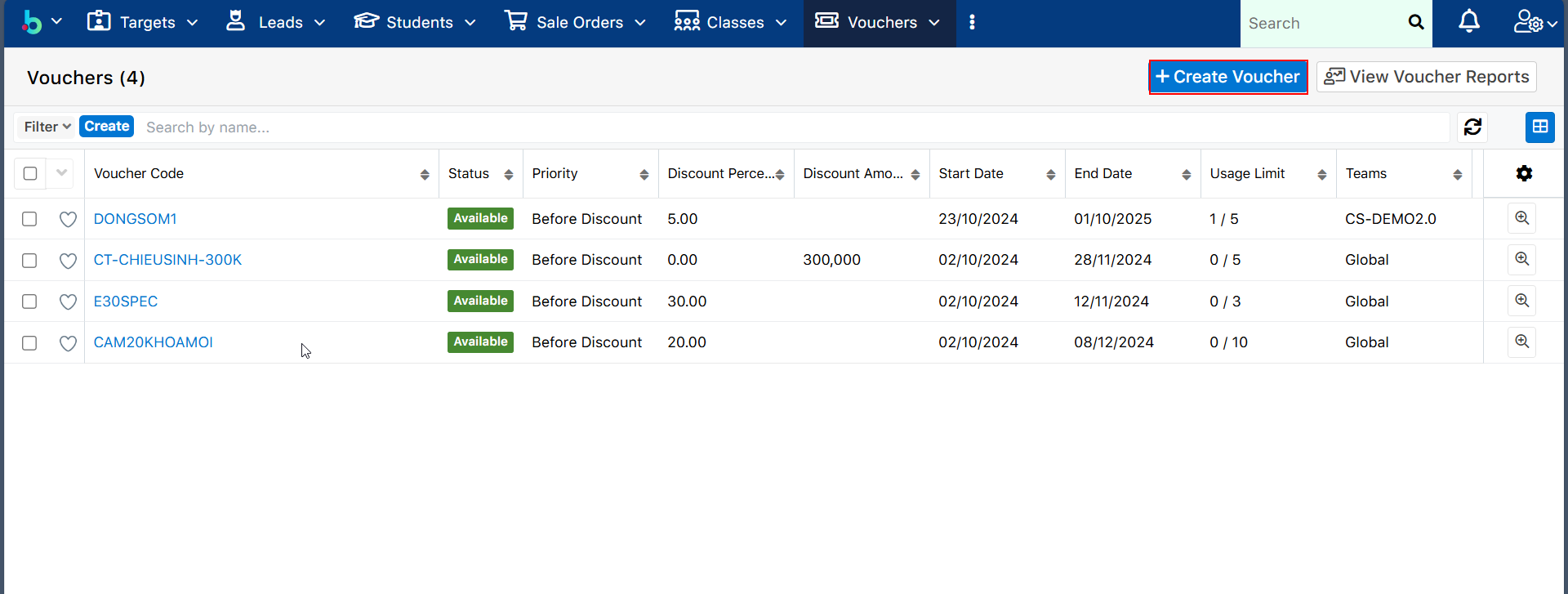
> **Bước 1:** Ở màn hình danh sách của module **Voucher,** chọn **Create Voucher** để mở ra màn hình tạo mới Voucher.
> **Bước 2:** Tại màn hình tạo mới **Voucher**, nhập đầy đủ các thông tin cần thiết, sau đó chọn Save để hoàn tất.
{% hint style="info" %}
🙆♀️ **Ghi chú:**
1. Số tiền/ Phần trăm chiết khấu
2. Priority: Mức độ ưu tiên gồm Before Discount (Voucher sẽ được áp dụng trước các chiết khấu) và After Discount (Voucher sẽ được áp dụng sau khi đã áp dụng các chiết khấu)
3. Thời hạn sử dụng của Voucher
4. Usage Limit: Số lượng Voucher được phép áp dụng
{% endhint %}
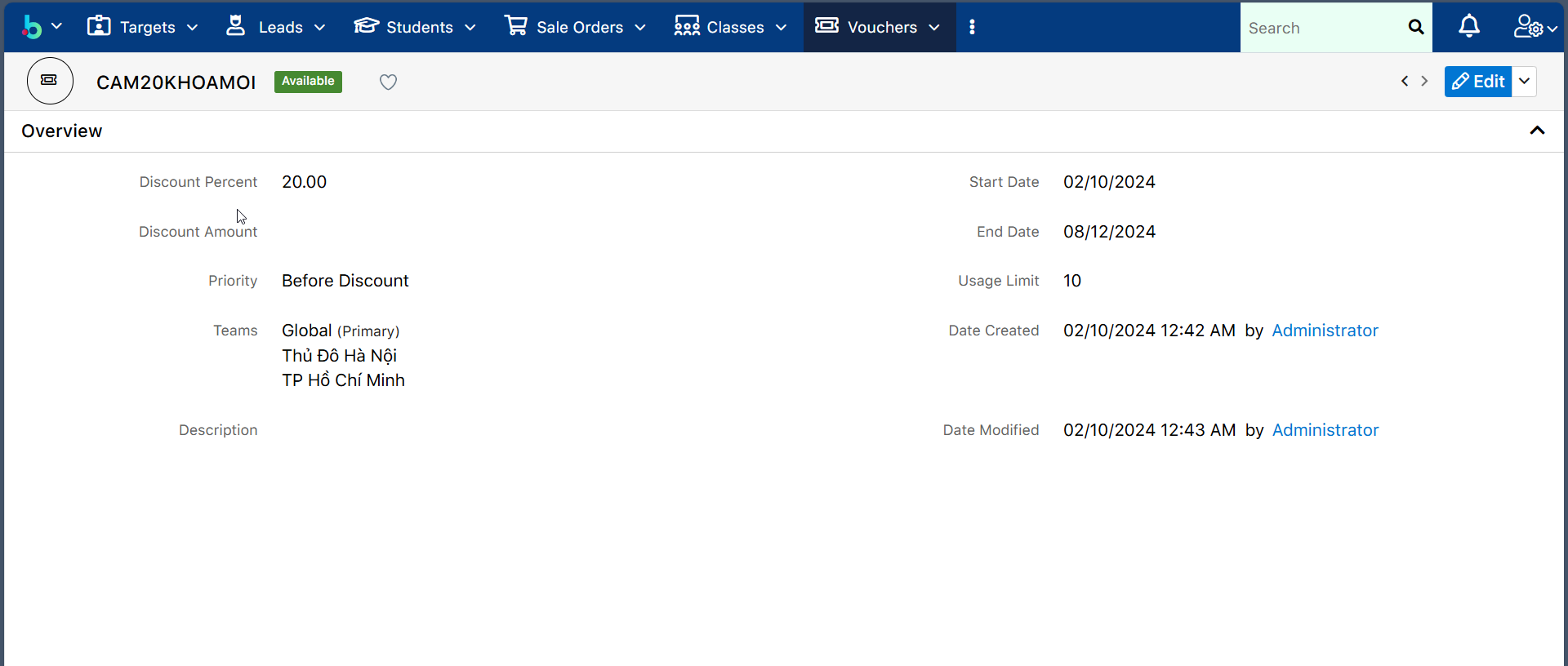
> **Bước 3:** Hệ thống hiển thị thông tin chi tiết của Voucher sau khi tạo thành công.
.png?alt=media&token=a2252753-5c6e-48d4-833a-622029d6c88e)